Fixing bugs in production code is one of the most stressful tasks a developer faces. Unlike development environments where you can experiment freely, production systems serve real users with real data. A careless patch can cascade into downtime, data corruption, or security vulnerabilities. The ability to fix bugs safely in live systems separates competent developers from exceptional ones.
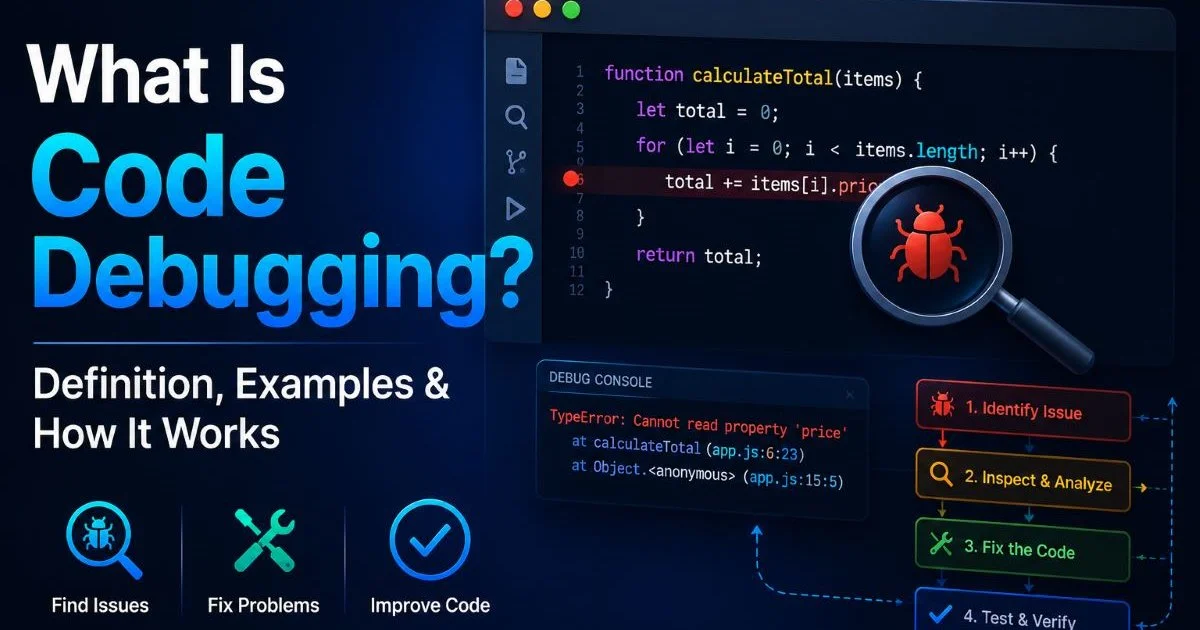
This guide walks you through a practical, step-by-step approach to diagnosing and resolving production issues without making things worse. If you're newer to debugging concepts, understanding what code debugging is and how it works will give you a solid foundation before tackling production scenarios.
Whether you're patching a critical API failure at 2 AM or addressing a subtle data inconsistency reported by users, these steps will keep you grounded.
Key Takeaways
- Always reproduce the bug in a staging environment before touching production code.
- Use feature flags and rollback strategies to deploy fixes with minimal risk.
- Monitoring and logging are your first line of defense when diagnosing live issues.
- Write a regression test for every production bug you fix to prevent recurrence.
- Document your incident response process so the team learns from each fix.

Step 1: Assess the Situation and Gather Evidence
The moment a production bug is reported, your instinct might be to jump straight into the code. Resist that urge. The first thing you should do is understand what's actually happening from the user's perspective. Gather error reports, screenshots, and any steps to reproduce that users or support teams have provided. A clear picture of symptoms prevents you from chasing the wrong problem entirely.
Check Logs and Monitoring Dashboards
Your application logs and monitoring tools are the most valuable evidence you have. Check your centralized logging system for error stack traces, unusual patterns in response times, or spikes in error rates around the time the bug was reported. If you're working with JavaScript applications, knowing how to troubleshoot code in JavaScript step by step can speed up your log analysis considerably. Tools like Datadog, Sentry, and Grafana can surface the exact moment things went wrong.
Pay attention to correlations. Did a deployment happen right before the errors started? Did traffic spike unusually? Was a third-party service experiencing its own outage? These contextual clues narrow your search window dramatically and prevent wasted effort debugging your own code when the real problem is external.
Determine the Blast Radius
Before writing a single line of code, determine how many users are affected and how severely. A bug that causes incorrect invoice calculations for every customer demands a different response than a cosmetic glitch affecting one browser version. This severity assessment dictates whether you need an emergency hotfix right now or can follow your normal release cycle. Communicate the impact clearly to stakeholders so expectations are set appropriately.
Create a severity matrix in advance (P0 through P3) so your team doesn't waste time debating priority during an active incident.
| Severity | Impact | Response Time | Example |
|---|---|---|---|
| P0 (Critical) | All users blocked | Immediate | Payment processing down |
| P1 (High) | Major feature broken | Within 1 hour | Login failing for 30% of users |
| P2 (Medium) | Feature degraded | Within 24 hours | Search results returning stale data |
| P3 (Low) | Minor or cosmetic | Next sprint | Tooltip text truncated on mobile |
Step 2: Reproduce and Isolate the Bug
Reproduce in a Staging Environment
You should never attempt to debug directly in production. Set up a staging environment that mirrors your production configuration as closely as possible, including database schemas, environment variables, and third-party integrations. Reproduce the bug there first. If your staging data doesn't trigger the issue, consider using anonymized copies of production data. Many bugs only surface under specific data conditions that synthetic test data won't replicate.
If the bug is intermittent or timing-dependent, add temporary verbose logging to the suspected code paths and deploy that instrumentation to staging. Race conditions, for example, might only appear under concurrent load. Use load testing tools to simulate the traffic patterns that trigger the bug. This approach is far safer than adding debug logging to production, which carries its own risks around performance and data exposure.
Never copy raw production data to staging without anonymizing personally identifiable information. This can violate GDPR, HIPAA, or other compliance requirements.
Narrow Down the Root Cause
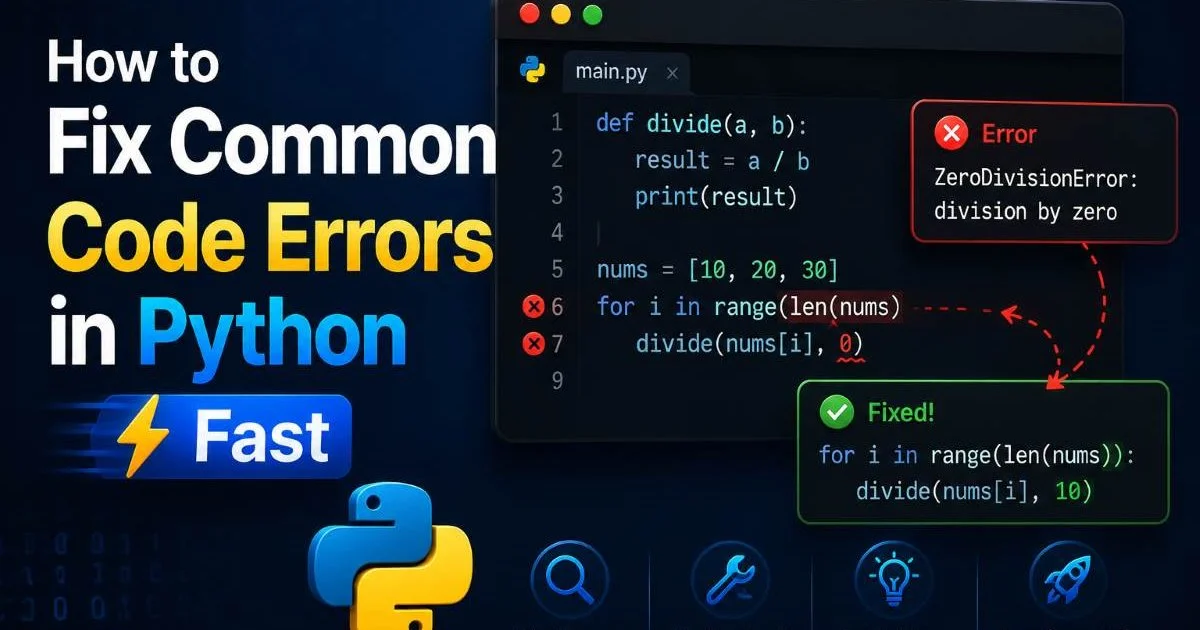
Once you can reproduce the issue, use a systematic approach to isolate the root cause. Binary search through recent commits using git bisect to find exactly which change introduced the problem. This is remarkably effective when the bug correlates with a recent deployment. For Python-specific issues, you'll find that learning to fix common code errors in Python fast helps you recognize patterns that frequently cause production failures.
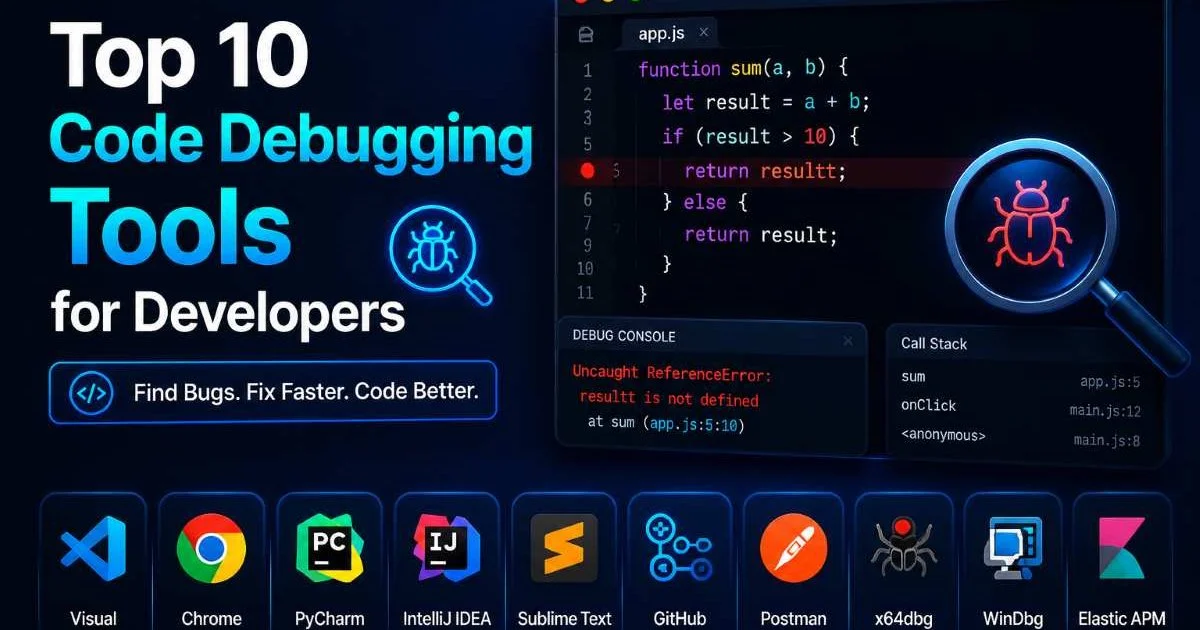
Use your debugging tools strategically during this phase. Set breakpoints, inspect variable states, and trace execution paths. Don't just look at where the error manifests; trace it back to where the incorrect state originated. A null pointer exception in line 247 might actually be caused by a missing validation in line 52 of a completely different file. Root cause analysis requires patience and discipline.
"The place where a bug shows symptoms is rarely the place where it actually lives."
Step 3: Fix Bugs Safely with Controlled Deployments
Write the Fix and Test It
Now that you understand the root cause, write the smallest possible fix. Production hotfixes should be surgical. Resist the temptation to refactor adjacent code, update dependencies, or address technical debt in the same change. Every additional modification increases the risk of introducing new problems. Your goal is to fix bugs with the minimum viable change that resolves the issue completely.
Write a regression test before or alongside your fix. This test should fail without your patch and pass with it. Regression tests serve two purposes: they verify your fix actually works, and they prevent the same bug from returning in the future. If your team uses AI-powered development tools, comparing options like those discussed in this Augment Code vs Cursor analysis can help you identify coding assistants that catch similar issues earlier in the development cycle.
Run your full test suite against the patched code, not just the new regression test. Production bugs sometimes exist because of unexpected interactions between components, and your fix might inadvertently affect something else. Integration tests and end-to-end tests are particularly important here. If all tests pass, have at least one other developer review the change. Fresh eyes catch assumptions you might have made under pressure.
For P0 incidents, your team may decide to skip the normal code review process. If so, schedule a follow-up review within 24 hours to verify the fix meets your quality standards.
Deploy with Safeguards
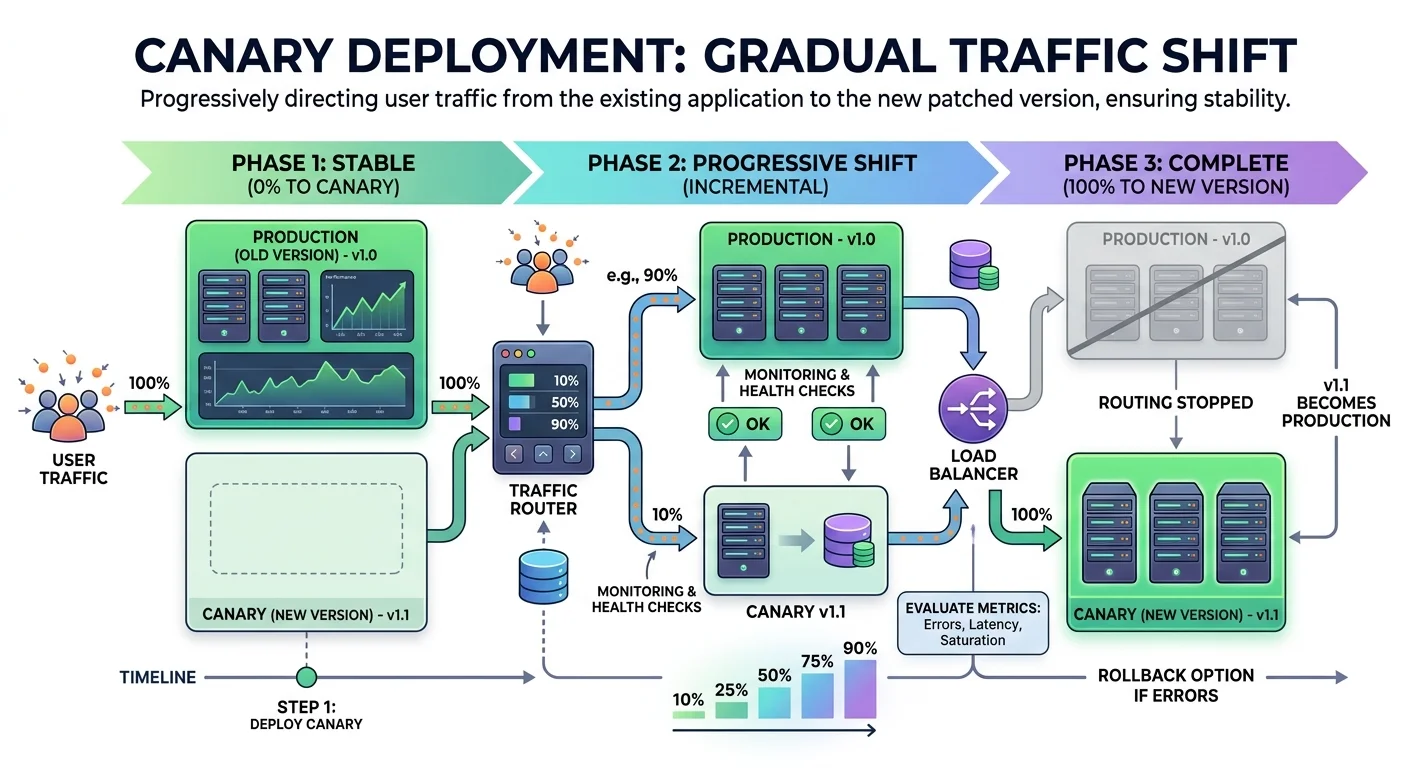
Deploy your fix using progressive rollout strategies rather than pushing it to 100% of traffic immediately. Feature flags let you enable the fix for a small percentage of users first, then gradually increase exposure while monitoring for regressions. Canary deployments achieve the same effect at the infrastructure level by routing a fraction of traffic to servers running the patched code. Both approaches let you fix bugs in production with an easy escape hatch if something goes wrong.
Always have a rollback plan ready before you deploy. Know exactly how to revert to the previous version, and verify that the rollback procedure works. Automated rollback triggers based on error rate thresholds add another safety layer. If your error rate exceeds a defined threshold within the first 10 minutes of deployment, the system should automatically revert without waiting for human intervention.
Step 4: Post-Fix Verification and Documentation
Verify in Production
After the fix is fully deployed, don't just assume the problem is solved. Actively verify by checking the same monitoring dashboards and logs you used during diagnosis. Confirm that error rates have returned to baseline, affected users can complete their workflows, and no new error patterns have emerged. If your organization uses automated license compliance checks like those offered by AI code license auditing tools, verify that your hotfix dependency changes don't introduce licensing concerns.
Reach out to the users or support agents who originally reported the bug. Ask them to confirm the fix from their end. Automated monitoring catches quantitative regressions, but qualitative confirmation from affected users validates that you actually solved their problem. Sometimes what looks fixed from the server side still presents issues on specific client configurations or network conditions.
Set a calendar reminder to check your monitoring dashboards 24 and 72 hours after the fix. Some bugs have delayed effects that only show up over time.
Document and Learn
Write a post-incident report, sometimes called a postmortem, for every significant production bug. Document what happened, the timeline of events, the root cause, how you resolved it, and what preventive measures you'll implement. This isn't about blame; it's about building institutional knowledge. The next developer who encounters a similar situation will thank you for the documentation. Keep these reports searchable in your team's wiki or knowledge base.
Use the incident as a catalyst for process improvements. Ask hard questions: Could better test coverage have caught this? Should your CI pipeline include additional checks? Would better monitoring have alerted you sooner? Each production bug is an opportunity to fix bugs in your process, not just your code. Track action items from postmortems and follow through on them during subsequent sprints. Teams that treat postmortems as checkbox exercises rather than genuine improvement opportunities tend to repeat the same categories of mistakes.
Frequently Asked Questions
?How do I reproduce a production bug in staging if I can't replicate the data?
?When should I use a hotfix versus waiting for the normal release cycle?
?How much more expensive is it to fix a bug caught in production vs. earlier?
?Is it safe to push a production fix directly without a staging test if it's urgent?
Final Thoughts
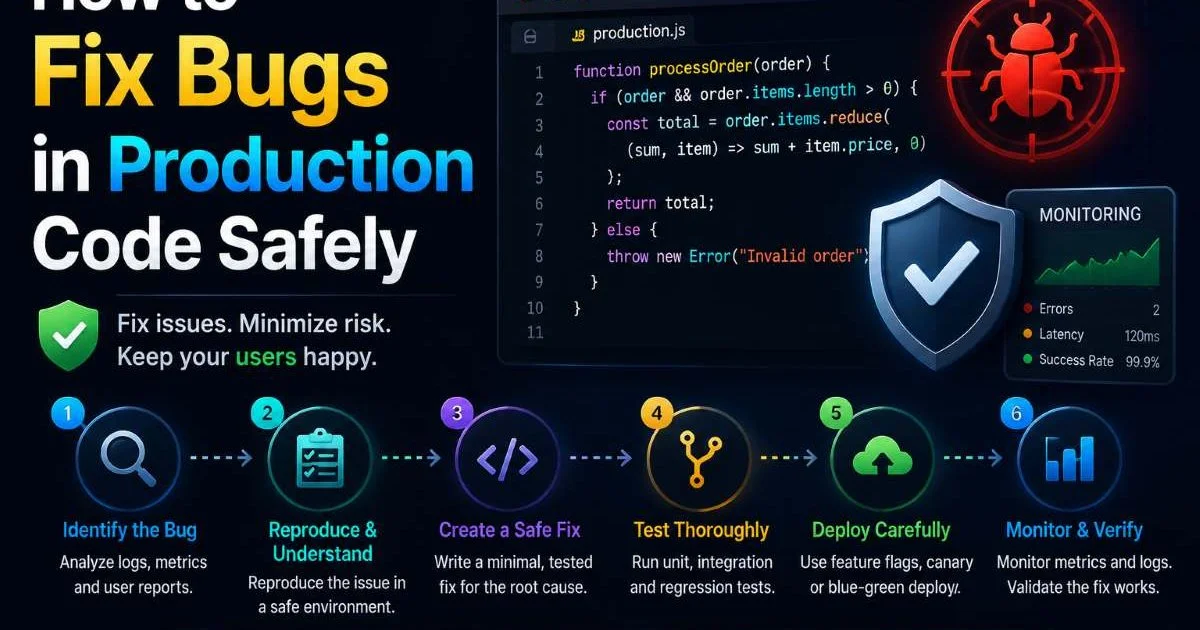
Learning to fix bugs in production safely is a skill built through practice, preparation, and discipline. The steps are straightforward: gather evidence, reproduce the issue, write a minimal fix with tests, deploy progressively, and document what you learned.
What makes the difference is how rigorously you follow these steps when the pressure is on. Build these habits now, and production incidents become manageable problems rather than panic-inducing emergencies. Your future self, and your on-call teammates, will appreciate the investment.
Disclaimer: Portions of this content may have been generated using AI tools to enhance clarity and brevity. While reviewed by a human, independent verification is encouraged.