Code errors are an unavoidable reality of programming, and Python developers encounter them more frequently than they might care to admit. Whether you're a beginner writing your first script or a mid-level developer building production applications, knowing how to identify and fix errors quickly separates productive programmers from frustrated ones.
The good news is that Python provides excellent error messages, stack traces, and debugging tools that make resolving issues far more approachable than in many other languages. The bad news? Most developers waste hours on problems that could be solved in minutes with the right approach. This guide walks you through a practical, step-by-step process for diagnosing and fixing the most common Python code errors you'll face.
By the end, you'll have a repeatable workflow that cuts your debugging time dramatically and helps you write more reliable code from the start.
Key Takeaways
- Read Python tracebacks from the bottom up to find the actual error fast.
- SyntaxError, NameError, and TypeError account for most beginner Python mistakes.
- Using a linter catches many code errors before you even run your script.
- Strategic print statements and breakpoints beat random guessing every time.
- Understanding error types helps you predict and prevent bugs proactively.
1. Understand Python Error Types and What They Mean
Before you can fix anything, you need to understand what Python is actually telling you. Python errors fall into two broad categories: syntax errors (caught before execution) and runtime errors (caught during execution). Knowing which category your problem belongs to immediately narrows down your debugging strategy. If you're new to the fundamentals of code debugging, start by learning how Python's error hierarchy works, because every exception inherits from the BaseException class.
Syntax Errors
A SyntaxError means Python's parser cannot understand your code before it even runs. Common causes include missing colons after if/for/while statements, unmatched parentheses, and incorrect indentation. Python will point to the line where it got confused, though the actual mistake sometimes lives on the line above. These are the easiest errors to fix because the interpreter tells you exactly where the parsing failed, and the solution is almost always a missing character or a misplaced keyword.
When Python points to a line that looks correct, check the line immediately above it for a missing colon or unclosed bracket.
Runtime Errors
Runtime errors happen while your code executes, and they're more varied. NameError, TypeError, ValueError, KeyError, IndexError, and AttributeError are the ones you'll see most often. Each one communicates a specific problem: you referenced a variable that doesn't exist, passed the wrong type to a function, accessed a dictionary key that's missing, or tried an operation on an incompatible object. Learning to map each error name to its root cause is foundational skill building.
Python also raises custom exceptions in third-party libraries, which can be confusing at first. When you see an unfamiliar error from a library like requests or pandas, search for the exact error message in the library's documentation or on Stack Overflow. The specificity of Python's exception system is a genuine strength. Unlike languages that give you cryptic error codes, Python almost always tells you in plain English what went wrong and where.
2. Read Tracebacks Like a Pro to Locate Code Errors
Anatomy of a Traceback
Python tracebacks look intimidating, but they follow a consistent structure that becomes second nature once you learn to read them. The golden rule: start at the bottom. The last line of a traceback contains the exception type and the error message, which is the single most important piece of information. The lines above it show the call stack, with the most recent call at the bottom and the entry point at the top. Each frame in the stack shows the file name, line number, function name, and the offending line of code.
Here's a practical example. If you see TypeError: unsupported operand type(s) for +: 'int' and 'str' at the bottom, you immediately know you're trying to add an integer and a string. The traceback frame above it shows you the exact line. Go to that line, find the variable that's a string when it should be an integer (or vice versa), and add a type conversion with int() or str(). Problem solved in under a minute.
Nested and Chained Tracebacks
Things get trickier with nested tracebacks, which appear when an exception occurs inside an exception handler or when libraries wrap errors. You'll see the phrase "During handling of the above exception, another exception occurred" separating two traceback blocks. In these cases, read both blocks. The first block shows the original error; the second shows what went wrong in the error handling code. Focus on the original cause first, because fixing it often eliminates the cascading failure entirely.
If a traceback references code inside a third-party library, the bug is almost always in YOUR code that called the library, not the library itself.
Long tracebacks from frameworks like Django or Flask can span dozens of lines. Don't panic. Scan for frames that reference your own files (not the framework's internal files) and focus there. Your code is where the fix lives. Framework internals are just the path the execution took before your mistake surfaced. With practice, you'll instinctively skip framework frames and zero in on the relevant lines within seconds.
3. Fix the Top Five Python Errors Step by Step
SyntaxError and IndentationError
SyntaxError is the first error every Python programmer meets. The fix is mechanical: go to the reported line, check for missing colons, unmatched brackets, or stray characters. If the line looks correct, check the previous line. IndentationError is a close cousin that occurs when your whitespace is inconsistent. Python requires consistent use of either tabs or spaces (never both). Configure your editor to insert four spaces per tab, and this entire class of code errors disappears overnight.
| Error Type | Common Cause | Quick Fix |
|---|---|---|
| SyntaxError | Missing colon, bracket, or quote | Check punctuation on reported line and line above |
| IndentationError | Mixed tabs and spaces | Set editor to use 4 spaces; reformat file |
| NameError | Misspelled variable or missing import | Verify spelling and check import statements |
| TypeError | Wrong argument type or count | Check function signature and cast types |
| KeyError | Missing dictionary key | Use dict.get() with a default value |
NameError, TypeError, and KeyError
NameError means you referenced a variable or function that Python can't find in the current scope. The cause is usually a typo, a missing import, or a variable defined inside a function that you're trying to access outside it. Fix it by double-checking spelling, adding the correct import statement, or adjusting variable scope. A linter would have caught this before you ever ran the code, which brings us to prevention strategies in the next section.
"The fastest way to fix a bug is to never write it in the first place."
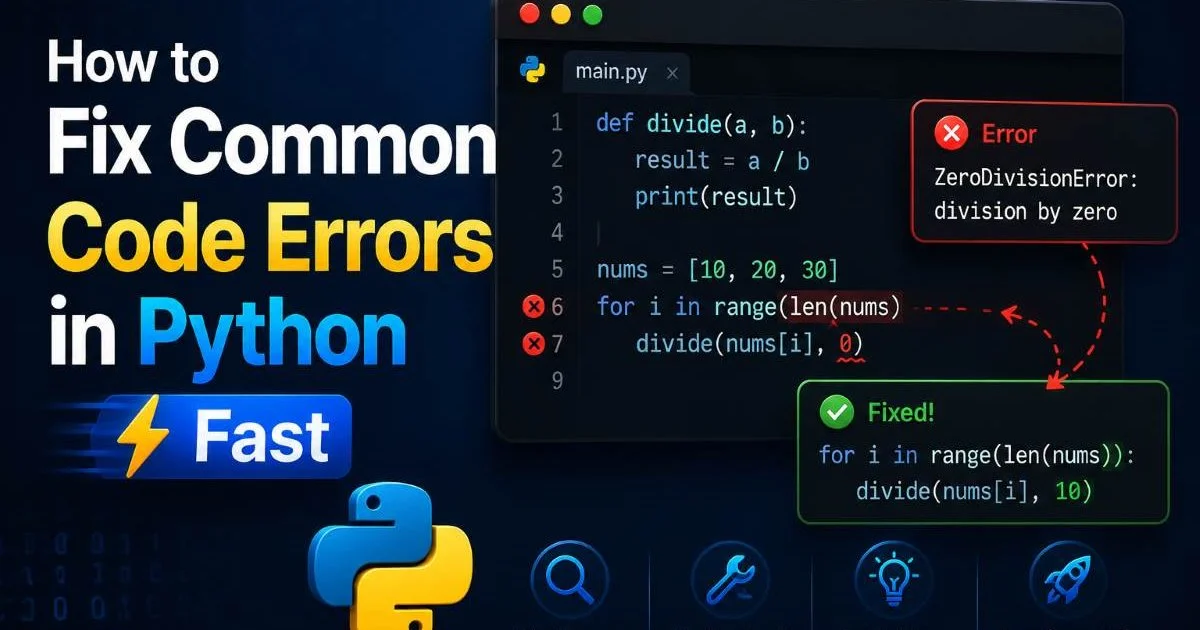
TypeError typically surfaces when you call a function with the wrong number of arguments or try to perform an operation on incompatible types. For example, calling len(42) raises a TypeError because integers don't have a length. Read the error message carefully; it tells you what types were involved. KeyError fires when you access a dictionary key that doesn't exist. Replace my_dict["key"] with my_dict.get("key", default_value) to handle missing keys gracefully without crashing your program.
These three errors account for the vast majority of bugs that intermediate Python developers face daily. The pattern for fixing them is consistent: read the error message, go to the reported line, identify the mismatch between what you wrote and what Python expected, and correct it. If you're working with TypeScript best practices in other projects, you'll notice that static typing prevents many of these issues before runtime, which is one reason Python developers increasingly adopt type hints.
4. Prevent Errors with Tools and Habits
Linters and Type Checkers
Prevention is always faster than debugging. Install a linter like Flake8 or Pylint and integrate it into your editor so it flags problems as you type. These tools catch syntax issues, unused variables, undefined names, and style violations before you run a single line. Add mypy for static type checking if you use type hints. Together, these tools eliminate a huge percentage of common code errors before they ever reach execution. The upfront setup takes ten minutes and saves hours over the life of a project.
Beyond linters, consider using an AI-powered debugging assistant. Tools that analyze your code and suggest fixes are becoming remarkably accurate. If you also work with HTML and web templates, AI-powered tools for fixing HTML errors follow a similar philosophy: catch problems early, explain the root cause, and offer targeted corrections. The same principle applies across languages; the best debugging is the kind that happens before your users notice anything.
Run your linter as a pre-commit hook in Git so no unchecked code ever reaches your repository.
Build a Debugging Workflow
Random debugging is slow debugging. Build a repeatable workflow: first, reproduce the error consistently. Second, read the full traceback and identify the error type. Third, isolate the problem by simplifying the failing code. Fourth, form a hypothesis about the cause. Fifth, test your fix and verify the error is gone. This structured approach works for simple scripts and complex applications alike. It might feel slow at first, but it quickly becomes automatic and dramatically reduces the time you spend stuck.
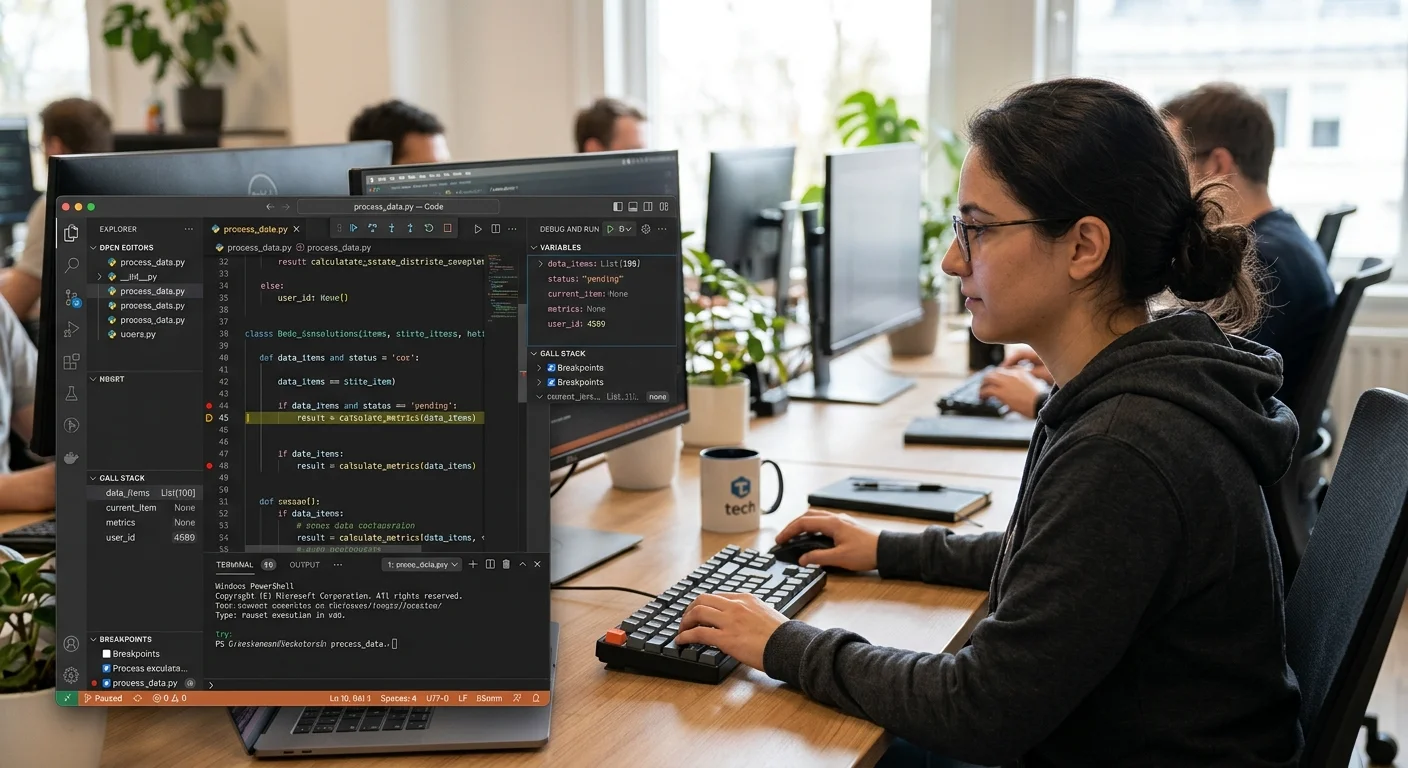
Use Python's built-in pdb debugger or your IDE's visual debugger to step through code line by line when print statements aren't enough. Set breakpoints at the line where the error occurs and inspect variable values. VS Code and PyCharm both offer excellent debugging interfaces that let you watch variables, evaluate expressions, and navigate the call stack interactively. These tools exist to make your life easier; invest thirty minutes learning them and you'll recoup that time on your very next bug.
Finally, write tests. Unit tests catch regressions before they become production incidents. Even a handful of tests covering your most critical functions can prevent the kind of code errors that slip through manual testing. Python's built-in unittest module and the popular pytest framework make writing tests straightforward. Start small, test the functions that handle user input or external data first, and expand coverage over time. Testing isn't glamorous, but it's the single most effective long-term defense against recurring bugs.
Never debug in production. Always reproduce errors locally or in a staging environment first.
Frequently Asked Questions
?How do I read a Python traceback to find the actual error fast?
?Is using a linter better than relying on Python's built-in error messages?
?How much time can a repeatable debugging workflow actually save?
?Is it a mistake to assume Python's error points to the exact broken line?
Final Thoughts
Fixing Python errors fast comes down to understanding what the interpreter is telling you and having a systematic approach to respond.
The errors themselves are not the enemy; they're precise messages pointing you toward the fix. Build habits around reading tracebacks, using linters, and following a structured debugging workflow. The developers who resolve bugs in minutes instead of hours aren't smarter; they've simply practiced these patterns until the process becomes instinctive. Start applying these steps today, and you'll notice the difference on your very next project.
Disclaimer: Portions of this content may have been generated using AI tools to enhance clarity and brevity. While reviewed by a human, independent verification is encouraged.