When you debug and fix code errors, you're reacting to a problem that already exists. When you test code, you're proactively searching for problems before they surface. Both practices are fundamental to software development, yet many beginner and mid-level developers use the terms interchangeably. That confusion leads to inefficient workflows, missed bugs, and frustration.
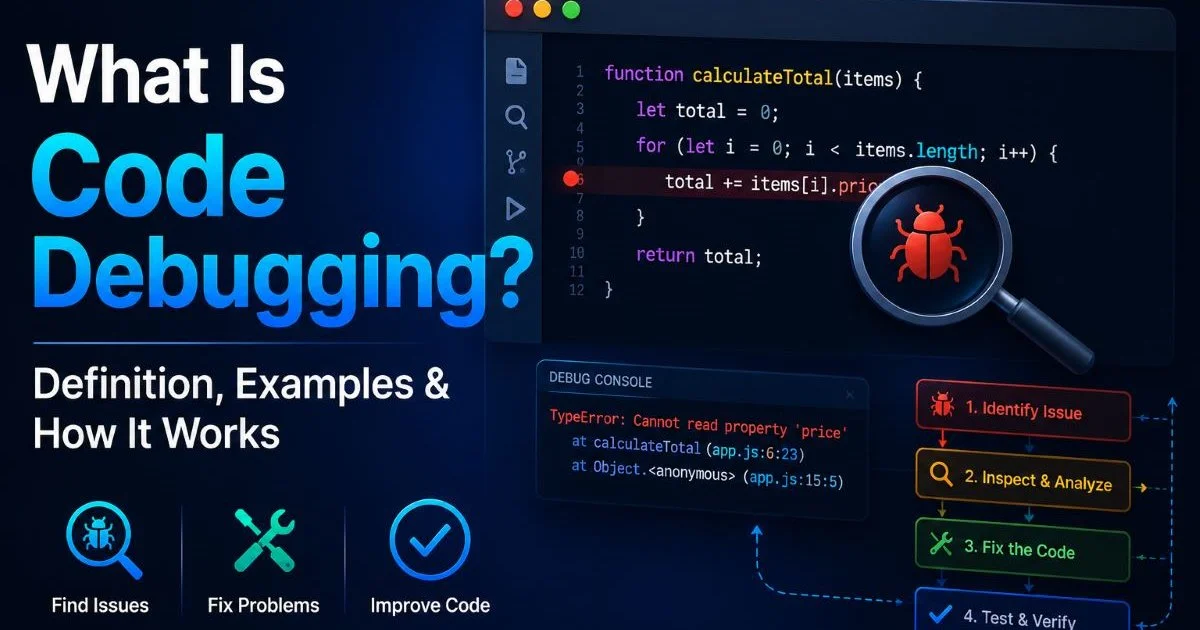
Understanding the boundary between debugging and testing will sharpen your development process, reduce wasted hours, and improve the reliability of everything you ship. If you want a solid foundation on what debugging actually involves, our guide on what code debugging is, with definitions and examples, is the best place to start.
This article breaks down both disciplines across four clear dimensions so you can troubleshoot code more effectively and apply each practice where it belongs.
Key Takeaways
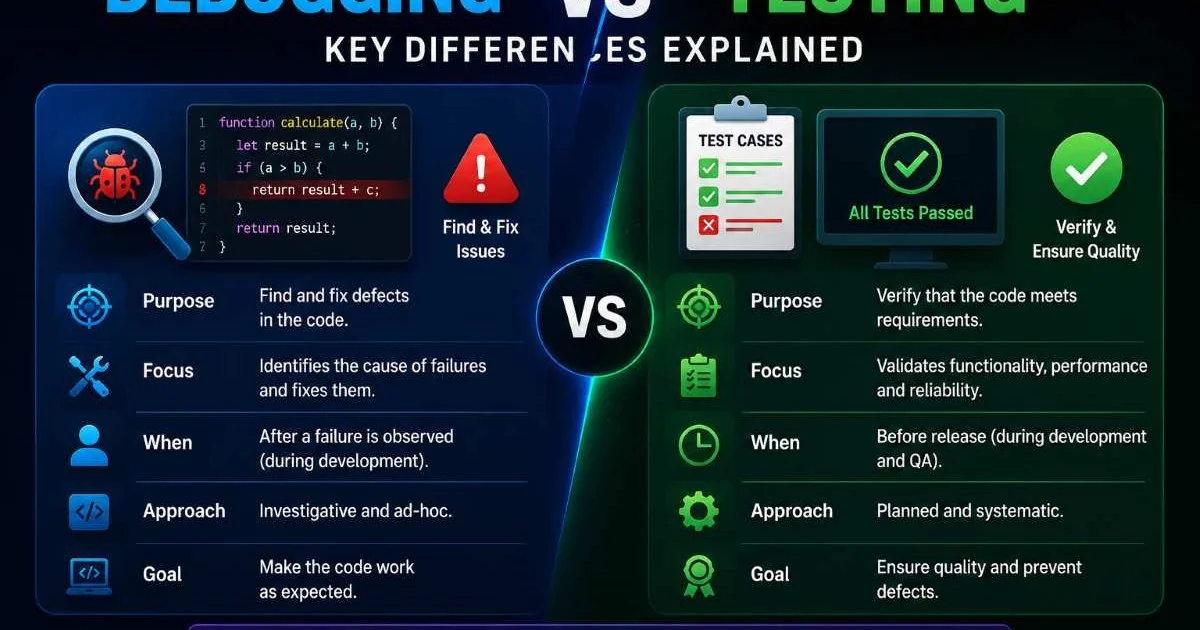
- Testing finds defects; debugging locates and removes the root cause of those defects.
- Developers own debugging, while testers (or automated suites) typically own testing.
- You can automate most testing, but debugging usually requires human reasoning and judgment.
- Skipping either practice dramatically increases the cost of fixing bugs in production.
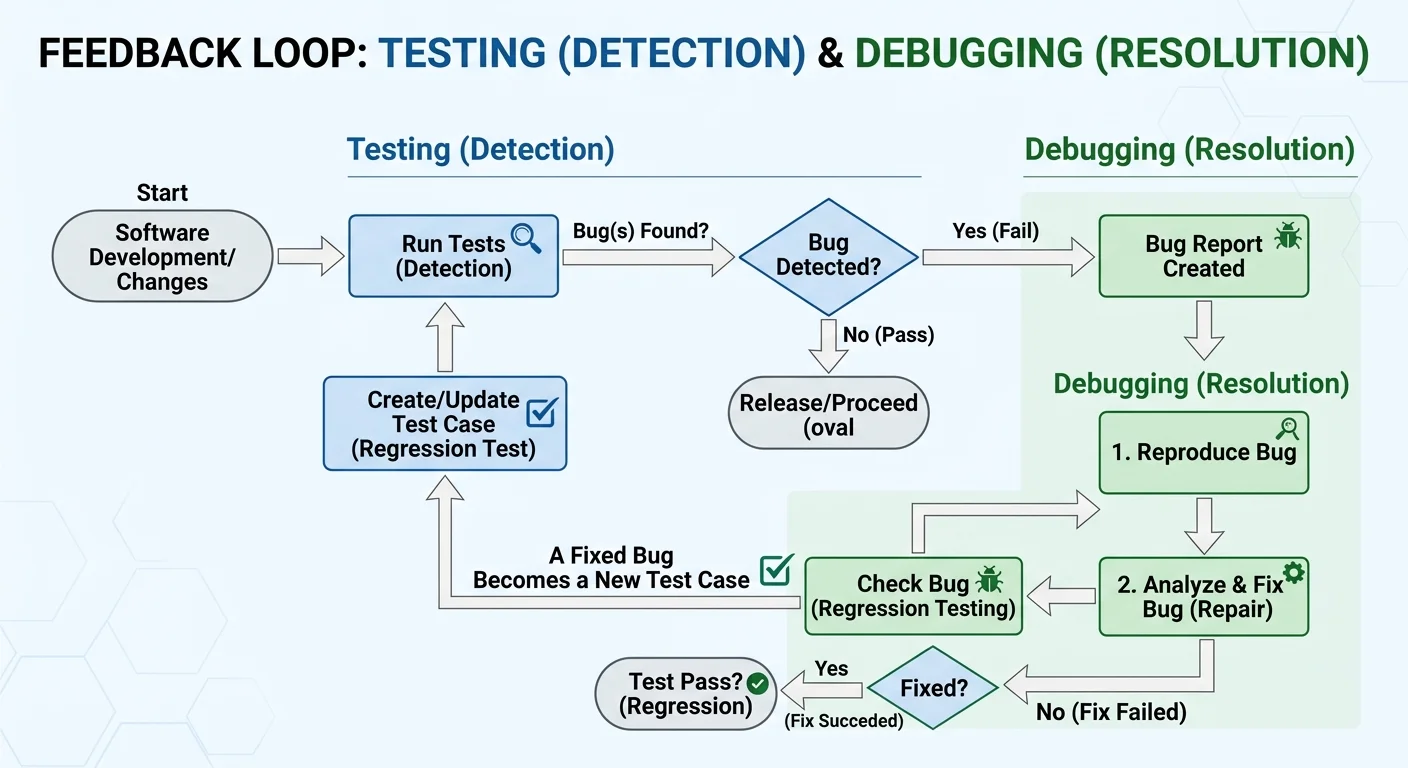
- Combining both creates a feedback loop that improves code quality over time.
Purpose and Goals: Why Each Practice Exists
What Testing Aims to Achieve
Testing exists to answer one question: does the software behave the way we expect? A well-constructed test suite checks inputs against expected outputs across a range of scenarios, including edge cases and failure modes. The goal is detection, not correction. When a test fails, it signals that something is wrong, but it doesn't tell you precisely why or where the problem lives in your codebase.
There are many flavors of testing. Unit tests verify individual functions or methods in isolation. Integration tests check whether modules work together correctly. End-to-end tests simulate real user flows through the application. Each layer catches a different class of problem. According to industry surveys, teams that maintain comprehensive test suites catch roughly 85% of regression bugs before they reach production.
What Debugging Aims to Achieve
Debugging picks up where testing leaves off. Once a test has failed or a user has reported unexpected behavior, a developer must locate the exact line (or lines) of code responsible. This is code debugging in its purest form: reading stack traces, setting breakpoints, inspecting variable states, and tracing execution paths until the defect reveals itself. The goal is resolution, not just detection.
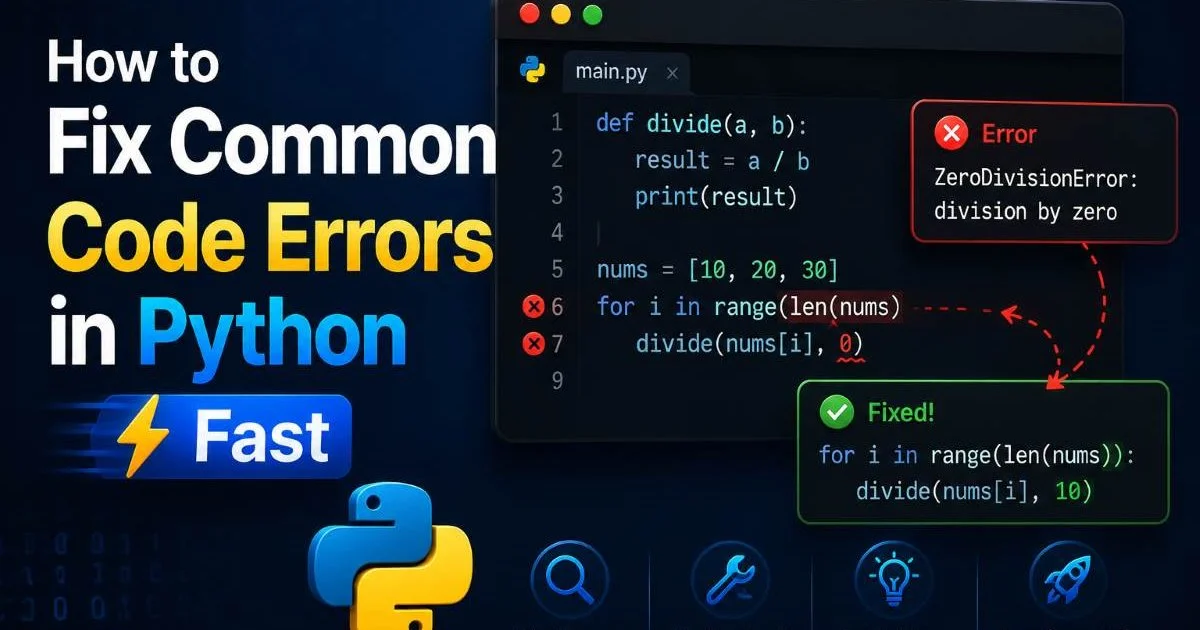
Debugging is inherently investigative. You form a hypothesis about what went wrong, then gather evidence to confirm or reject it. Sometimes the root cause turns out to be a simple typo; other times it's a subtle race condition or an incorrect assumption buried three layers deep in a dependency. If you work primarily in Python, our walkthrough on how to fix common code errors in Python fast demonstrates exactly how this investigative process plays out in practice.
"Testing tells you something is broken. Debugging tells you exactly why."
Process and Workflow: How They Actually Work
The Testing Workflow
A typical testing workflow begins with writing test cases derived from requirements or user stories. Developers or QA engineers define preconditions, input values, and expected outcomes. They then execute the suite, either manually or through continuous integration pipelines that run automatically on every commit. The output is a pass/fail report, often accompanied by code coverage metrics that indicate which parts of the codebase the tests actually exercised.
Modern teams practice test-driven development (TDD), writing tests before the implementation code. This approach forces you to think about expected behavior upfront, which leads to cleaner interfaces and fewer surprises later. Even outside strict TDD, writing tests immediately after implementing a feature drastically reduces the time between introducing a bug and discovering it. Short feedback loops like this are one of the strongest predictors of team velocity and software quality.
The Debugging Workflow
Debugging follows a less predictable path. The process typically starts with reproducing the bug, which can sometimes be the hardest step, especially for intermittent issues. Once reproduced, you isolate the problem by narrowing the scope: commenting out code blocks, adding logging statements, or using a step-through debugger. You then form a hypothesis, test it, and iterate until the root cause is clear. Finally, you apply the fix and verify it against the original failing case.
For JavaScript developers, this cycle often involves browser DevTools, console logging, and network inspection. Our step-by-step guide on how to troubleshoot code in JavaScript walks through each phase in detail. The key difference from testing is that debugging is reactive and exploratory. You don't follow a script; you follow the evidence. This makes it harder to automate and more dependent on developer experience and intuition.
Always reproduce a bug in a minimal environment before diving into the codebase. Stripping away complexity makes root causes visible faster.
Tools and Automation: What Powers Each Practice
Testing Tools
The testing ecosystem is mature and highly automated. Frameworks like Jest (JavaScript), pytest (Python), JUnit (Java), and RSpec (Ruby) handle unit and integration tests with minimal setup. For end-to-end testing, tools like Cypress, Playwright, and Selenium simulate browser interactions. CI/CD platforms such as GitHub Actions, GitLab CI, and Jenkins run these suites automatically, flagging failures before code gets merged. The top features to look for in an AI coding tool now include automated test generation, which further lowers the barrier to comprehensive coverage.
Code coverage tools like Istanbul (JavaScript) and Coverage.py (Python) measure which lines and branches your tests actually hit. While 100% coverage doesn't guarantee bug-free code, low coverage numbers reliably predict trouble spots. Many teams set minimum thresholds, typically between 70% and 90%, as merge gates in their CI pipelines. These automated guardrails catch regressions without requiring anyone to manually run tests, making testing one of the most scalable quality practices available.
Debugging Tools
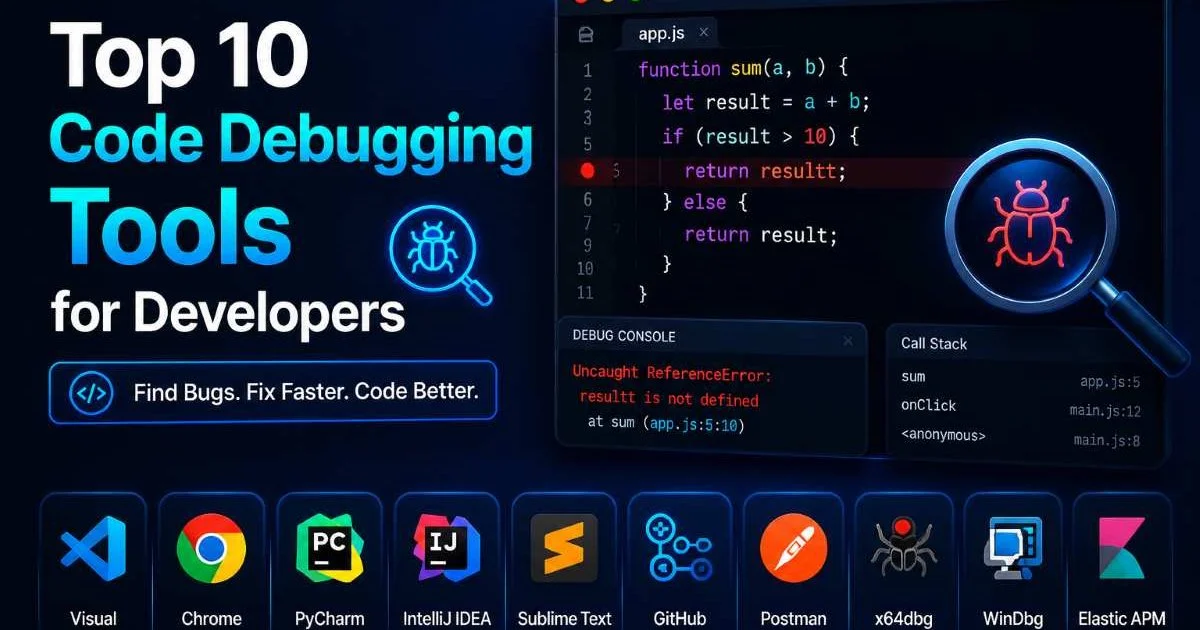
Debugging tools are powerful but demand more hands-on involvement. Browser DevTools (Chrome, Firefox) offer DOM inspection, network monitoring, and JavaScript profiling. IDE debuggers in VS Code, IntelliJ, and PyCharm let you set breakpoints, watch variables, and step through execution line by line. For a comprehensive look at the best options, our roundup of the top 10 code debugging tools for developers covers everything from traditional debuggers to AI-assisted solutions.
AI-powered debugging assistants are a newer category worth watching. Platforms focused on AI agent capabilities for low-code builders are beginning to include automated root cause analysis that can scan error logs, trace execution flows, and suggest fixes. These tools won't replace a developer's judgment, but they can significantly reduce the time spent on routine debugging tasks. The real power emerges when AI-assisted debugging feeds its findings back into automated test suites, closing the loop between detection and resolution.
AI debugging tools work best as assistants, not replacements. Always verify AI-suggested fixes against your own understanding of the codebase.
| Criterion | Testing Tools | Debugging Tools |
|---|---|---|
| Primary Purpose | Detect defects automatically | Locate and fix bugs manually |
| Automation Level | High (CI/CD integration) | Low to moderate |
| Examples | Jest, pytest, Cypress, Selenium | Chrome DevTools, VS Code Debugger, GDB |
| Learning Curve | Moderate (framework-specific) | Moderate to steep (tool + domain knowledge) |
| When Used | Before and during deployment | After a bug is identified |
| Output | Pass/fail reports, coverage metrics | Root cause identification, code fixes |
When to Debug and Fix Code Errors vs. When to Test
The question isn't whether to test or debug. It's about knowing which mode to operate in at any given moment. Test when you're building new features, refactoring existing code, or preparing for a release. Testing is your safety net, the thing that tells you whether your changes broke something you didn't intend to touch. If you skip testing, you're essentially flying blind, and the bugs you miss will cost far more to fix once they reach production environments.
Debug when a specific problem has surfaced, whether through a failing test, a user report, or anomalous behavior in monitoring dashboards. Jumping into debugging mode without first having a clear, reproducible bug is a common mistake that wastes hours. Before you start setting breakpoints, make sure you can articulate exactly what the expected behavior is, what the actual behavior is, and under what conditions the discrepancy occurs. This discipline saves enormous amounts of time.
The most effective teams treat testing and debugging as complementary halves of a quality feedback loop. When debugging reveals a bug, you write a test that reproduces it before applying the fix. That test then becomes part of your automated suite, preventing the same defect from reappearing. This "test the fix" approach turns every debugging session into an investment in long-term code stability. Over months and years, this discipline compounds into a robust, self-reinforcing quality culture.
For teams transitioning toward this integrated approach, the practical advice is simple. Start by adding a test for every bug you fix, even if your overall coverage is low. Prioritize testing the most critical paths through your application first. Use debugging sessions as learning opportunities to understand not just what went wrong, but why your existing tests didn't catch it. Over time, this practice narrows the gap between what your tests cover and what your users actually experience, making both your testing and your debugging more focused and efficient.
Never mark a bug as "fixed" without adding a regression test. Without that test, the same bug will likely resurface within months.
Frequently Asked Questions
?How do I start debugging after a unit test fails?
?Can automated testing replace manual debugging entirely?
?How much time does skipping testing add to fixing bugs later?
?Is it a mistake to debug code before writing any tests first?
Final Thoughts
Testing and debugging serve different purposes, operate at different stages, and require different tools, but neither works well without the other. Testing is your early warning system.
Debugging is your repair crew. The developers who fix bugs in code most efficiently are the ones who understand both disciplines and know when to switch between them. Build your test suites systematically, debug with discipline and evidence, and always close the loop by turning fixed bugs into automated tests. That cycle is what separates good developers from great ones.
Disclaimer: Portions of this content may have been generated using AI tools to enhance clarity and brevity. While reviewed by a human, independent verification is encouraged.